

Creative Obby Building Sandbox
Obby Creator Wiki
Build your own obstacle courses, showcases, and cart rides with in-game creation tools, then share them with the Roblox community. Discover player-made worlds, earn Likes, and build together with friends.
- Launched Mar 2, 2019
- Latest Patch Oct 10, 2026
- 573.7M+ Visits
- 977K+ Favorites
- 80.7% Rating
- 11,881 Peak CCU
Popular Pages
Trending Now
Obby Creator Alternatives
Looking for alternatives to Obby Creator? Explore the best platforms to build your own obstacle courses and master advanced building techniques in Roblox.
Read more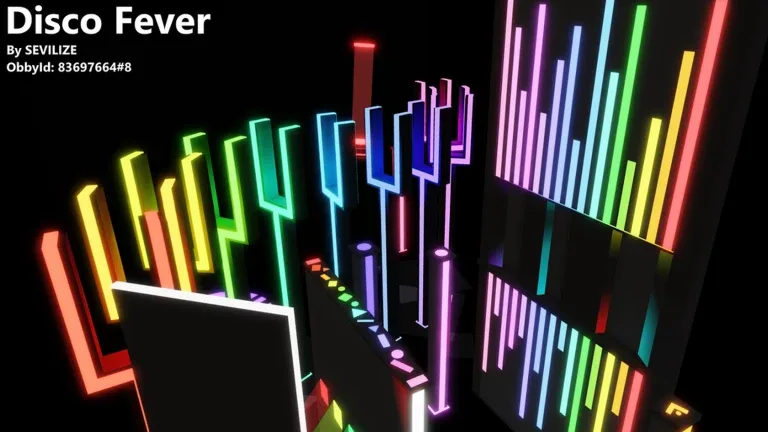
Obby Creator vs. Studioverse
Comparing Obby Creator and Studioverse to help you decide which platform offers the best tools for your next Roblox building project.
Read more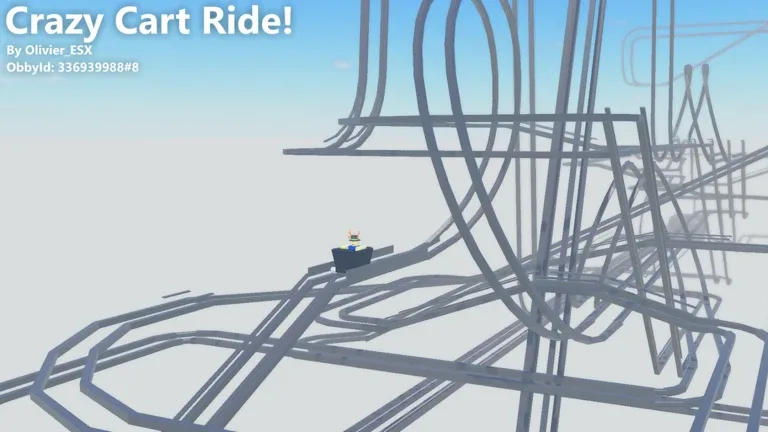
How to Use the Fly Tool
Learn how to enable and use the Fly Tool in Roblox's Obby Creator to test your levels or let players explore your creations with ease.
Read more
Export to Roblox Studio
Learn the technical reality of exporting your Obby Creator builds to Roblox Studio and how to manage your creations effectively within the game.
Read more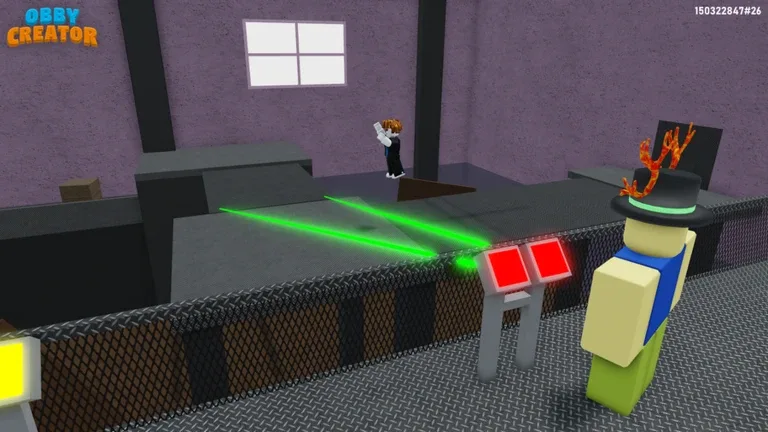
Obby Creator vs. Roblox Studio
Are you trying to build a game on Roblox? Compare the beginner-friendly Obby Creator with the professional Roblox Studio to see which tool fits your needs.
Read more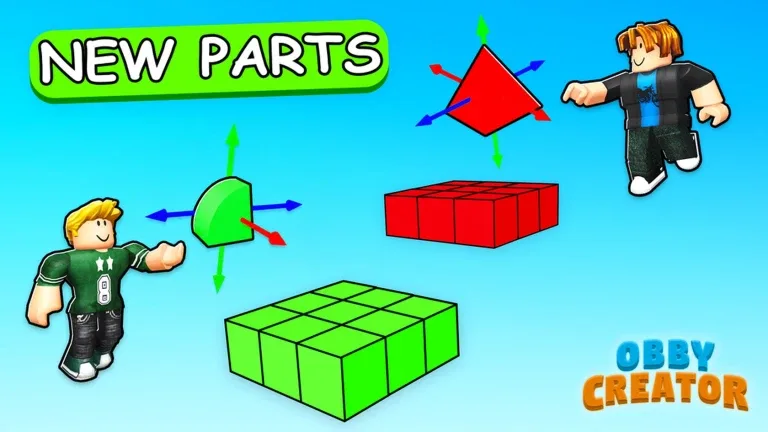
How to Increase Button Limit
Learn how to manage and optimize your block limits in Obby Creator on Roblox, including current button constraints and tips for efficient building.
Read more
What is Obby Creator?
Obby Creator is a Roblox building sandbox developed by Whirlpool Studio and credited to mario118118. Players design their own obstacle courses, showcases, and cart rides directly inside the experience, then try creations made by the community.
The game supports solo building and collaborative projects, with building parts, premades, interactive tools, and unique Obby IDs for loading creations. Players can earn Likes, appear on leaderboards, and expand their building options as they learn more advanced techniques.
Explore All Guides- Developer
- Whirlpool Studio
- Platform
- Roblox
- Genre
- Building Sandbox
- Visits
- 573.7M+
- Favorites
- 977K+
- Player Rating
- 80.7%
- All-Time Peak CCU
- 11,881
- Community Creations
- Millions
- Platforms
- Roblox
- Genres
- Building Sandbox, Obby Creator
- Modes
- Single player, Multiplayer, Co-op
- Release date
- 2019-03-02
- Developer
- Whirlpool Studio
Latest Updates
Start Here
- 1
Beginner Guide
Learn to claim an open plot, load your first obby slot, place parts, adjust properties, and test your creation before sharing it.
- 2
Building Tools & Parts
Get familiar with basic parts, premades, moving platforms, checkpoints, buttons, and the editing options used to build playable levels.
- 3
Obby IDs & Discovery
Find and load other players' obbies by their unique IDs, explore community builds, and learn how to share your own courses.
- 4
Part Limit & Likes
Understand your available parts, progression milestones, and how Likes help your builds gain recognition across the community.
Obby Creator Obby Creator Wiki Hub
8 researched topics covering building, discovery, progression and updates
Explore the wiki
Guide
Beginner tutorials, controls, saving, money and troubleshooting for Obby Creator.
Building
Step-by-step guides for working doors, mirrors, portals, shooters and other interactive parts.
Topics & Assets
Image IDs, music IDs, decals, textures, particles, skybox and lighting for your build.
Creations
Build ideas, the best community obbies, and how to plan long, horror or troll courses.
Community
Where to find the Obby Creator community, who runs the game, and how to load it by experience ID.
Updates
Patch notes, new parts, and whether Obby Creator is still being updated.
Tools
Advanced Tools, global properties, admin commands and part editing utilities explained.
Codes
One guide explaining whether Obby Creator has redeemable codes and what to use instead.
Obby Creator Obby IDs
Learn how to find, search, and play community-created obbies using Obby IDs in Obby Creator. Follow the in-game search process to discover specific creations, find builders, and explore shared obstacle courses.
Open the Load Obby interface
Launch Obby Creator on Roblox and open the Load Obby interface.
Enter an Obby ID or name
Use the search field to enter an Obby ID or search for a creation by its name.
Load the matching creation
Select a matching creation from the search results to view and load the obby.
Search by builder name or ID
Search for a builder by Roblox username or user ID to explore that creator's available obbies.
Browse Discover and Featured
Explore the Discover, Featured, and Recommended sections to find additional community creations.
Obby Creator Beginner Guide
Start building your first obstacle course in Obby Creator with this beginner-friendly walkthrough. Learn how to claim a plot, select a starter obby, place building parts, and test your creation without using Roblox Studio.
Join and find an open plot
Join Obby Creator and follow the guidance to an available plot marked TOUCH TO CLAIM.
Claim the plot and open Build
Claim the plot and use the Build option to create or load your own obby.
Pick a starter obby template
Choose a starter obby template or begin creating your own obstacle course.
Enter Edit Mode and add parts
Enter Edit Mode and use the Add interface to place platforms, obstacles, and other building parts.
Move, resize, and rotate parts
Use the Move, Resize, and Rotate handles to adjust your parts and construct a playable route.
Playtest before sharing
Leave editing mode to playtest your obby, adjust difficult sections, and let other players try your creation.
Obby Creator Best Obbies
Discover highly rated, featured, trending, and recommended community creations in Obby Creator. Explore the game's built-in discovery categories to find popular obstacle courses, challenging difficulty charts, and impressive player-made builds.
Top Rated
Browse community creations ranked through the game's rating and discovery systems.
Trending
Explore the Top & Trending discovery section to find creations attracting player attention.
Recommended
Use the personalized Recommended Obbies section introduced in November 2025 to discover creations based on your interactions.
DCO
Explore the Difficulty Chart Obbies section, which includes a ranking covering up to 10,000 obbies.
Featured
Visit featured obby plots to experience selected community creations directly in the game.
Obby Creator Building Parts
Explore the building parts, interactive objects, and editing tools available in Obby Creator. Learn how different part types work, including the new geometry, Morph Part, Donation Part, and expanded button interactions introduced in October 2026.
Custom Shapes
The October 9, 2026 update introduced Flipped Part, Triangle, Quarter Cylinder, Inner Ramp, and Outer Ramp.
Morph Part
A new interactive part that changes a player's appearance when activated.
Donation Part
Allows builders to set up Robux donations and choose the recipient and donation amount.
Buttons
Buttons can activate a variety of parts, including Lava, Jump, Speed, and Teleport parts.
Editing Handles
Use the updated Move, Resize, and Rotate handles, designed to improve editing on desktop, mobile, and console.
Starter Obbies
Choose from starter templates when loading a new obby, or use PreMade objects such as the Classic Tree.
Obby Creator Part Limit Guide
Learn how the Part Limit system controls the number of building parts available for your creations. Discover the verified reward methods, group bonuses, and expanded purchase limits that allow players to build larger and more detailed obbies.
Playtime
Earn additional Part Limit through playtime milestones introduced in the August 2024 Rewards Update.
Likes
Unlock additional Part Limit through Like milestones as other players support your creations.
Group Bonus
The Rewards Update introduced a bonus of 100 Part Limit for members of the official Whirlpool Studio Roblox group.
Milestones
Open the trophy icon beside the Part Limit counter to review available progression rewards and milestones.
Expanded Limits
The October 9, 2026 update increased the maximum purchasable Part Limit by 1,000 and made certain individual part limits scale with milestones.
Obby Creator Gamepasses
Compare the gamepasses and building upgrades available in Obby Creator, including Advanced Tools, Double Cash, plot expansions, and building plugins. Understand what each upgrade unlocks before deciding whether it is useful for your creations.
Advanced Tools
Unlock additional customization features and advanced building properties. Since October 9, 2026, players can also watch a video ad for a repeatable 15-minute free trial.
More Space
Expand the available building area of your plot. The October 2026 update increased the additional width provided by this pass from 50 to 80.
Double Cash
Increase the rate at which Cash is earned and raise the amount of Cash you can hold.
More Height
Increase your available vertical building space for taller obstacle courses and structures.
Reflect Plugin
Use the Reflect building plugin to create mirrored arrangements of selected parts.
Archimedes Plugin
Use the Archimedes building plugin to arrange parts into curves and arcs.
Obby Creator Cash and Gems Guide
Understand how Cash and Gems support building and progression in Obby Creator. Learn about Cash purchases, the Double Cash gamepass, Gem exchanges, and how the in-game economy connects to building larger creations.
Cash
Cash is the in-game building currency used when placing and constructing parts in your obby.
Cash Earnings
Obby Creator uses a recurring Cash earnings system. The developer has also tested adjustments to Cash rates.
Double Cash
The Double Cash gamepass increases Cash earnings and the player's Cash holding limit.
Gems
Gems can be exchanged for Cash through the in-game Cash shop, a feature introduced in December 2023.
Cash Shop
The Cash shop supports purchases using Robux or Gems. Current exchange rates should be checked in-game.
Cash Display
Since the October 9, 2026 update, the Cash interface is displayed while editing an obby rather than continuously during gameplay.
Obby Creator Latest Updates
Follow official Obby Creator updates, new building features, gameplay changes, and developer-announced fixes. Review the October 2026 building expansion alongside earlier changes to discovery, advanced tools, and creator progression.
Oct 10, 2026
LatestDonation Parts now open the Donation screen, alongside fixes for Morph Parts, sponsored obbies, mobile sound IDs, and advanced building tools.
Oct 9, 2026
Major UpdateA major building update introduced new part types, expanded plots, improved editing handles, starter templates, and broader button interactions.
Advanced Tools
New FeatureThe October 9 update introduced repeatable 15-minute Advanced Tools access through video ads, plus additional lighting and camera customization.
Part Limits
ExpandedThe October 9 update increased the maximum purchasable Part Limit by 1,000 and expanded several building property ranges.
Nov 21, 2025
The developer introduced personalized Recommended Obbies alongside additional particle and sky customization features.
Obby Creator FAQ
Quick, source-checked answers for Roblox builders, new players, and fans exploring user-created obbies in Obby Creator.
What can you build in Obby Creator on Roblox?
Obby Creator lets you build obstacle courses, showcases, cart rides, and other interactive creations using in-game building tools. You can play your own projects or explore obbies made by other Roblox players.
How do you start building your first obby in Obby Creator?
Join the experience, claim an available building gate, load an obby slot, and use the editing interface to place and customize parts. Start with a short course, then test it before inviting other players.
How do Obby IDs work in Obby Creator?
Obby IDs identify player-created builds. Open the game's Load Obby or discovery interface to find and load an obby by its ID; these IDs are for visiting creations, not redeeming rewards.
Can you build with friends in Obby Creator?
Yes. Obby Creator supports building alone or with friends through its collaborative features. Grant editing access only to people you trust, because collaborators may be able to remove parts of your build.
How can you increase your Part Limit in Obby Creator?
The developer's progression system awards additional Part Limit through playtime and Like milestones, with a group-membership bonus also documented. Open the trophy icon beside the Part Limit display to review the current in-game requirements.
What do Likes do in Obby Creator?
Other players can Like your creations, and Likes contribute to the game's creator leaderboards. They also feature in the progression system for increasing your available Part Limit.
Are there working Obby Creator redeem codes?
As of October 13, 2026, no redeemable promo codes were verified in the official game information reviewed. Obby IDs are not gift codes; they are identifiers used to load player-created levels.
What changed in the October 2026 Obby Creator update?
The October 9, 2026 developer log announced six new parts and interface improvements. The October 10 follow-up included bug fixes for Donation Parts, Morph Parts, mobile plugin controls, and other building features.
Ready to Master Obby Creator?
From your first obstacle course to detailed collaborative worlds, explore practical guides that help you build, discover, and share more confidently.